Deploy an app locally
This guide starts a complete Podplane cluster in a local QEMU VM and deploys the built-in example web application.
Start the cluster
podplane local startThe first run downloads and caches the VM image, platform dependencies, component images, templates, and seed files. Podplane then creates the VM, waits for Kubernetes to become ready, and configures your kubeconfig context. Later starts reuse the cached dependencies and existing VM.
Check the node:
kubectl get nodesDeploy the app
podplane deploy web \
  --name hello \
  --hostname hello.default.localhost
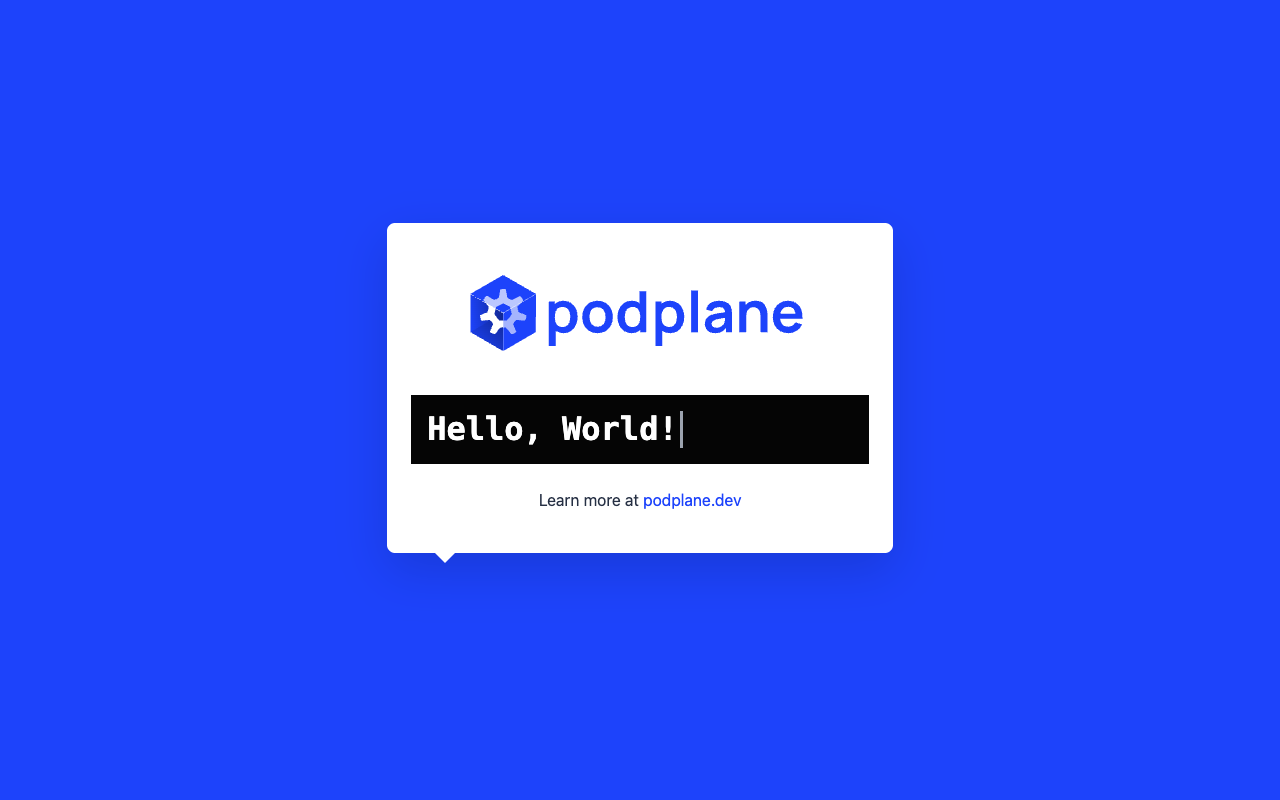
The web template supplies a default example image, Service, HTTPS routing, and workload certificate configuration. Open https://hello.default.localhost:4433/ to view the app:
Change the message by deploying the same release again:
podplane deploy web \
  --name hello \
  --hostname hello.default.localhost \
  -e HELLO_MESSAGE="Hello from Podplane"
Inspect and clean up
podplane logs hello
podplane shell hello
podplane remove --name hello
podplane local stop
local stop preserves the VM. Use podplane local delete when you want to remove the VM and its local cluster state.
Next, learn how to configure applications, including secrets and template-specific values.